Display
This menu allows you to set the display settings for the whole system.
Press [SETUP] > [Display].
|
|
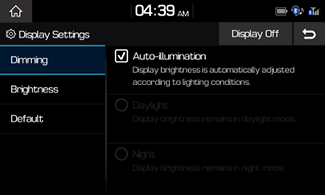
Dimming
In the Display Settings screen > Press [Dimming] > Set the desired mode.
|
|
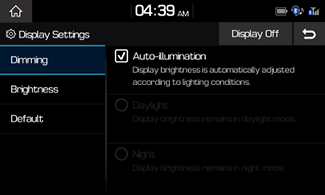
Brightness
In the Display Settings screen > Press [Brightness] > Select the mode > Set the desired brightness.
|
|

Press [Center] to restore brightness to the center position.
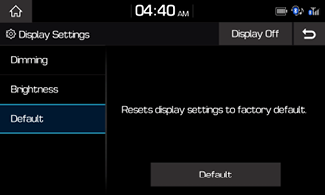
Resetting Display Settings
In the Display Settings screen > Press [Default] > [Default] > [Yes].
|
|
Display Off
In Display Setting screen > Press [Display Off ] to turn display off.
Touch anywhere on the screen to turn display on.